

Welcome to the overview, in which we’ll take a closer look at JavaScript UI libraries that offer ready-made interface components – tables, forms, charts, calendars, and other building blocks. All these pre-made widgets are of great help when we want to assemble web applications faster. I intentionally narrowed the focus of this article – we’ll not be touching large application frameworks like React, Angular, or Vue, because they solve a different set of problems and define the overall architecture rather than individual UI elements.
In scope: UI component libraries, such as Webix, Sencha Ext JS, DHTMLX, DevExtreme, Kendo UI, Syncfusion Essential JS, Smart UI, Wijmo, Ignite UI.
Out of scope: full-scale JS frameworks (React, Vue, Angular, etc.).
We’ll go through a number of well-established enterprise-level component suites and UI toolkits, and look at how they are designed, what kinds of widgets they include (from basic controls to more complex, high-level elements), and what development experience they offer. In fact, we have a very simple goal here: we need to understand which JavaScript UI library might fit our project best, providing the most complete set of tools for building interfaces.
JS UI Library Selection Criteria: What Separates the Average from the Best in 2026
Choosing a modern JavaScript UI library or framework depends not only on the number of components but also on how well the library fits into a team’s development process. Stack Overflow and the State of JS developer surveys show that software engineers value functionality, stability, and a strong ecosystem. Let’s take a quick look at the trends these community studies reveal:
- JavaScript remains the dominant language in modern development
The Developer Survey by Stack Overflow is an annual industry report that highlights which technologies and tools are extensively applied in real-world projects. If we check its latest 2025 edition, we’ll see that JavaScript still remains the most widely adopted programming language. This shows how large the JavaScript ecosystem is – the environment where developers choose UI libraries and frameworks.
- JavaScript and its ecosystem never stop evolving
The State of JS survey looks at how the JavaScript landscape evolves: which new features gain traction, how quickly developers adopt them, and which libraries or frameworks they prefer or plan to explore next. As you move through the different sections of the report, it becomes clear that the range of tools and technologies in the JavaScript world keeps expanding from year to year.
Now that we see the relevance of the technologies we’ll be discussing throughout the article, let’s move on to the key criteria for comparing the UI libraries on our list:
- Collection of components: Grid, Gantt, Scheduler, Pivot, Spreadsheet, charts, and forms. The more widgets a library provides, the more use cases you can cover without writing custom code.
- Heavy-widgets / enterprise coverage: The availability of complex, enterprise-grade components is critical for BI, ERP/CRM, and analytical systems.
- Compatibility and Updates: The library should support all major browsers and modern frameworks (React, Vue, Angular), as well as deliver regular updates that ensure components refinements, bug fixes and security patches.
- Commercial license and pricing: We’ll evaluate the total cost of ownership, as well as the long-term ROI for the team. This comparison focuses exclusively on paid, enterprise-grade solutions.
- Ease of use, documentation, and ecosystem: High-quality documentation, clear APIs, examples, playgrounds and snippet tools, as well as community support directly influence how quickly a team can adopt a library and how smoothly it can be integrated into a project.
- Flexibility and customization: The ability to customize components to match design requirements and business logic without complex workarounds is essential for building scalable, maintainable interfaces.
These criteria reflect the core needs of software engineers in 2026: fast and convenient development, stability and seamless integration into existing architectures, scalability and long-term product support.
Once we’ve settled on the criteria, we can proceed to reviewing the libraries themselves.
Advantages, Limitations, and Features of Javascript UI Component Libraries
Sencha Ext JS
Sencha Ext JS is a robust UI toolkit that offers a wide range of components for building enterprise-grade applications. Its collection includes data grids, charts, layout tools, and a variety of more advanced widgets designed for complex interfaces.
The library is marketed to large organizations and offers professional support and tooling. All of this comes at a cost – it is priced higher than many competitors and has a steeper learning curve due to its configuration-heavy approach.
Best for: Large enterprise web applications, CRM and ERP systems, as well as internal platforms with highly complex interfaces.
Pricing: The library offers both a subscription option (renewed annually) and a perpetual license, each including support and updates. The Ext JS UI Components Pro license costs $1,499 per developer per year, while the Enterprise license starts at $1,899. There is also a Community Edition with a limited feature set and a restriction on the number of developers (up to five).
Webix
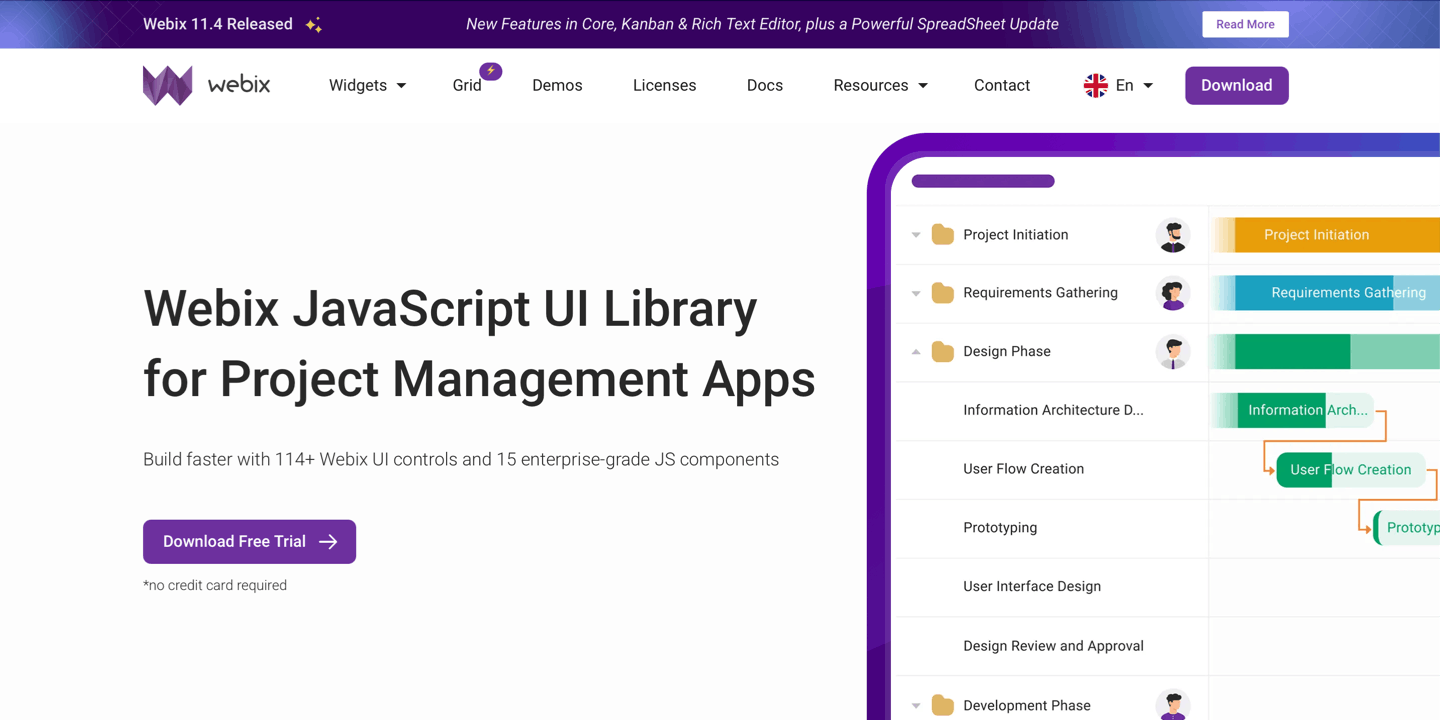
Webix is a modern JavaScript UI library that provides 15 stunning and feature-rich complex JS components (Gantt, Pivot, Scheduler, etc) and 100+ UI widgets and controls included in Webix Core. It stands out for its clean and elegant code, high performance, and flexible customization. In addition, Webix offers a standalone product – Webix Grid, which is independent of the main library and available as a separate purchase.
Best for: High-performance business applications. Webix is often compared to Sencha Ext JS and other enterprise-grade solutions as a convenient, easy-to-learn alternative for corporate projects, dashboards, analytics panels, and internal corporate tools.
Pricing: a perpetual commercial license is available in addition to the Webix Standard version, which is free and released under GPLv3. The commercial Webix PRO edition starts at around $848 for one project and two developers, including one year of support and updates. SaaS-related services are part of the licensing packages and become available starting from the Company plan ($2499, unlimited developers for one project).
DHTMLX
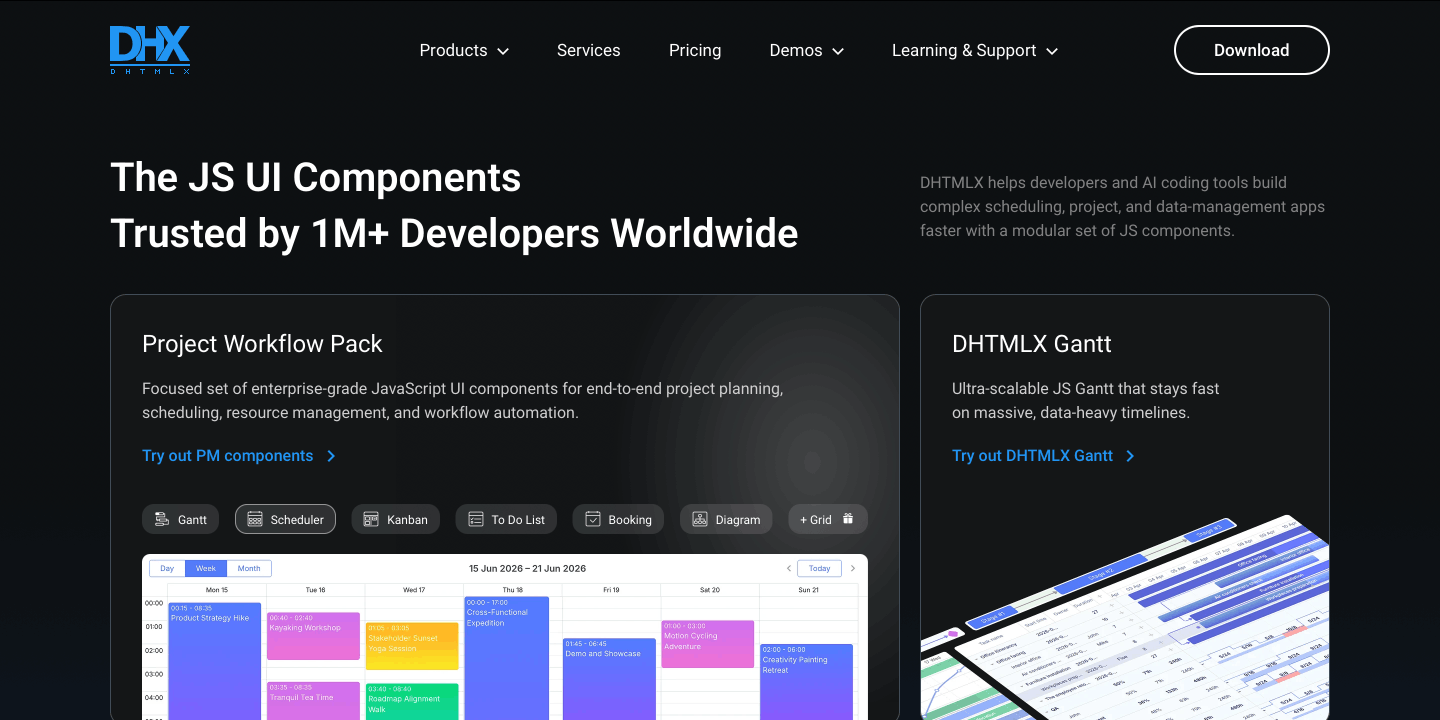
DHTMLX is a professional JavaScript UI library and component suite that delivers a wide collection of enterprise-ready widgets for building complex web applications. Its toolkit spans data grid, charts, Gantt and Scheduler components, calendars, forms, and more. The library is engineered for high performance and offers extensive customization capabilities, making it a strong choice for teams developing sophisticated UIs.
Best for: Business applications, dashboards, project-planning tools, and analytical platforms.
Pricing: Perpetual licenses (one-time purchase) come with one year of support: updates and support can be renewed. The Individual package (1 developer, 1 project) starts at $799 for the Suite, which contains 22 UI components, including Grid. Other advanced widgets (such as Gantt, Spreadsheet, and others) are not included in the Suite and can be purchased à la carte or within a bundle. SaaS deployment support is available on request at certain licensing tiers.
DevExtreme
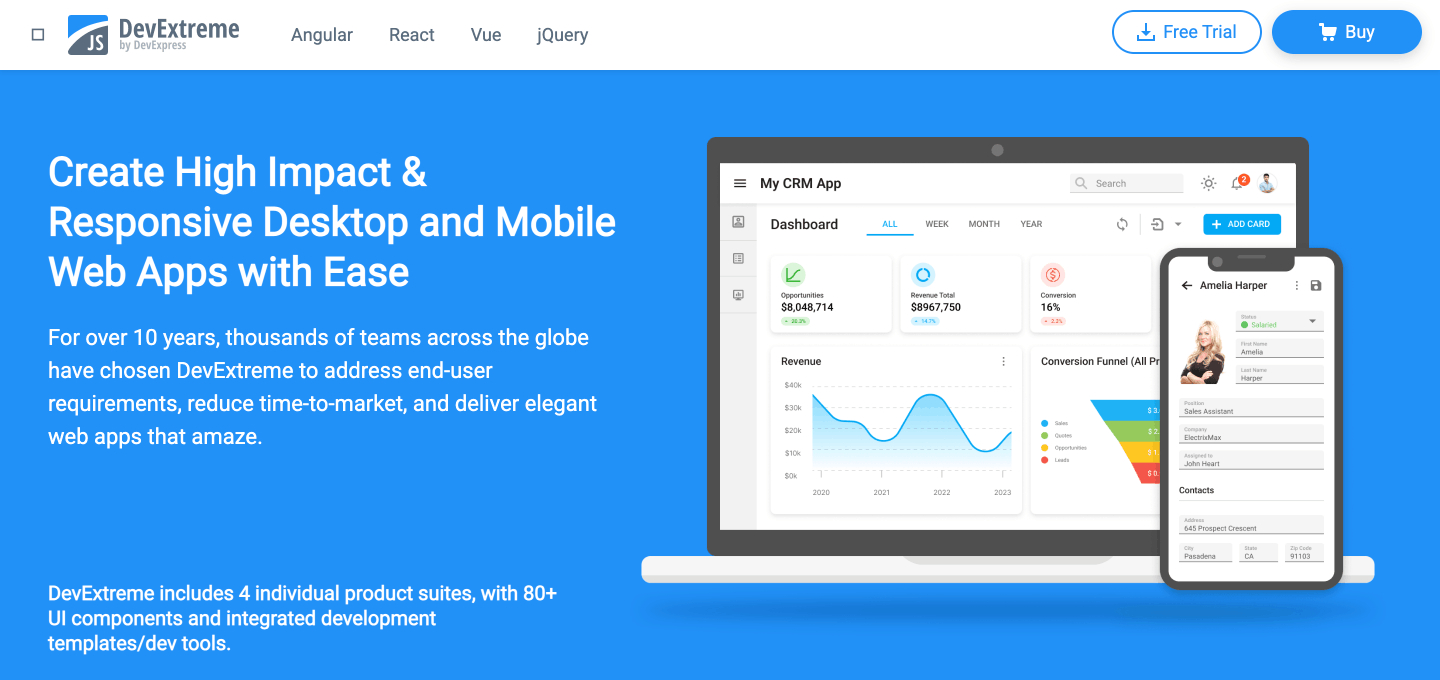
DevExtreme (DevExpress) is a collection of more than 80 UI components, including DataGrid, Pivot Grid, Scheduler, and Charts – developed as part of the DevExpress product line and widely used in enterprise environments. It is a commercially licensed, well-documented library that offers comprehensive heavyweight widgets.
Best for: Large desktop-style applications. A common choice for complex dashboards, BI panels, and projects that involve intensive data processing.
Pricing: DevExtreme is available through DevExtreme Complete, DXperience, and DevExpress Universal subscriptions, with prices ranging from $899 to $2,299 per developer per year depending on the included components. The company offers multi-developer discounts that increase as the development team grows.
Kendo UI
Kendo UI offers a rich collection of 120 HTML5/JavaScript UI components, including tables, charts, editors, navigation elements, windows, and templates. The library is geared toward corporate-grade projects, uses a commercial license, and provides React, Vue, and Angular support through dedicated adapters.
Best for: Business-focused UIs, enterprise web services, and corporate portals that benefit from rapid development and prebuilt templates.
Pricing: The library is offered either as a subscription or as a perpetual license. The starter Kendo UI package includes JavaScript UI components, UI Kits for Figma, and Page Templates. The price starts at $899 per developer per year (lite support), and from $1150 for a perpetual license.
Syncfusion Essential JS
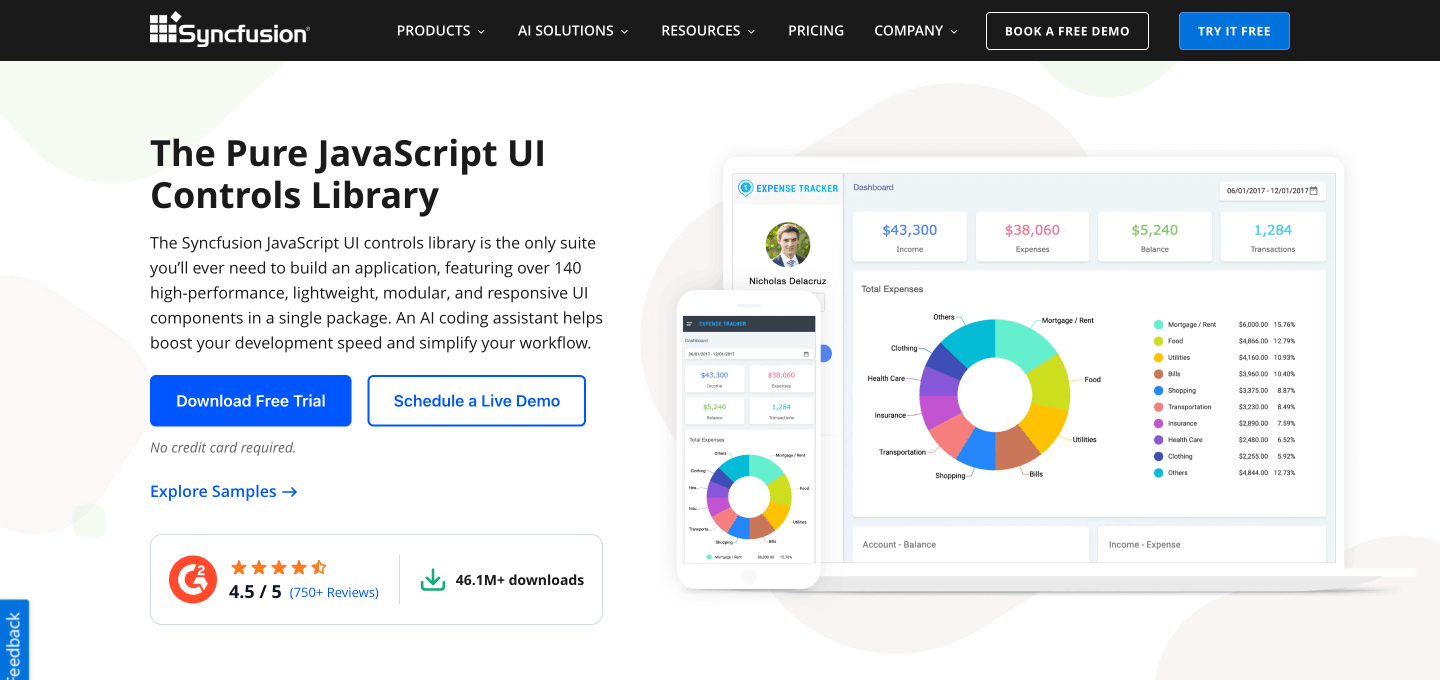
Syncfusion Essential JS is a comprehensive suite of enterprise-grade JavaScript UI components – covering grids, schedulers, charts (including Gantt), spreadsheets, and more. Sold as a commercial product, it provides a full component library suitable for corporate and data-intensive applications. Its breadth of enterprise widgets in a single package makes it a strong alternative to Kendo UI or Webix, which follow a similar pattern offering extensive sets of tools out of the box with no additional payments.
Best for: BI dashboards, data-driven portals, and enterprise analytics applications that require complex data visualizations.
Pricing: Syncfusion Essential JS, part of the Essential Studio product line, is sold via a monthly or annual subscription. Users have access to several product lines. Pricing is not publicly listed and is provided only upon request. According to the latest pricing information published on their website (summer 2025), the starter Team license (up to 5 developers) cost $395 per month. However, since there was a minimum 1-year term, the annual subscription price came to $4,720.
Smart UI
Smart UI – a commercial suite of modern Web Components and UI widgets developed by the creators of jQWidgets and now unified under the Smart UI product line. It includes 60+ enterprise-grade components such as DataGrid, charts, Scheduler, Gantt, Pivot Table, and TreeGrid. The components are lightweight, flexible, and suitable for admin dashboards, analytics interfaces, and web panels.
Best for: Lightweight corporate applications, admin dashboards, and interface prototyping, especially in projects where fast integration and compatibility with Web Components are important.
Pricing: Smart UI offers a free Community License with a limited selection of components, alongside commercial licenses available in two formats: annual subscription and perpetual purchase. Developer licensing starts at $299 for the subscription option and $399 for the perpetual license (the prices are listed on a per-developer basis).
Wijmo
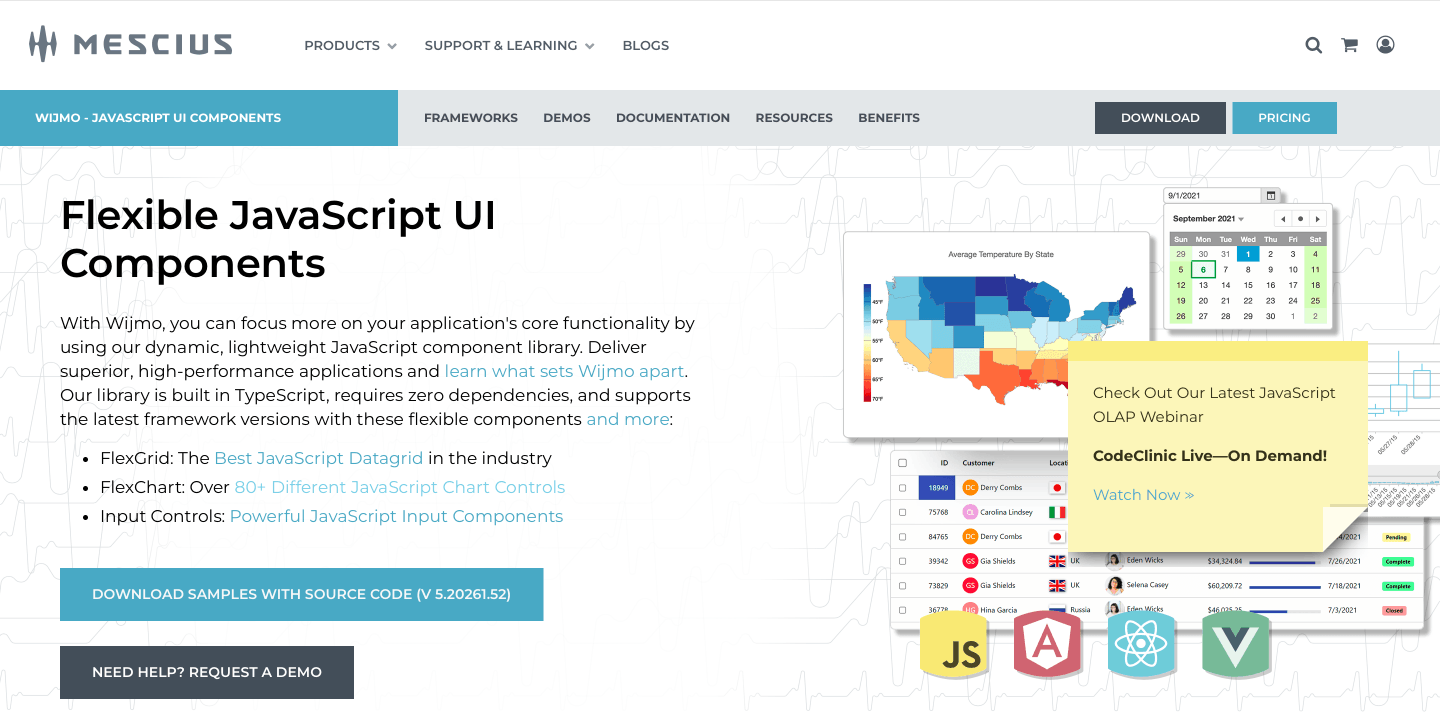
Wijmo is a JavaScript UI component library and one of the flagship products of MESCIUS. The library is a commercial set of UI controls with a strong focus on a powerful DataGrid and other heavyweight components such as pivot tables and charts. The library is lightweight and optimized for enterprise desktop applications, with particular strengths in hybrid scenarios, high-performance grids, and data visualization.
Best for: Analytical web applications, financial systems, and projects that work with large data sets.
Pricing: Wijmo is licensed per developer and per deployment hostname. A Wijmo Enterprise license costs $799 per developer and includes one year of updates, support, and five non-commercial hostname deployment rights. Commercial deployments require additional hostname licenses, priced at $499 per hostname. All licenses include perpetual distribution rights (excluding SaaS and OEM scenarios), with optional renewal required to maintain updates and support.
Ignite UI (Infragistics)
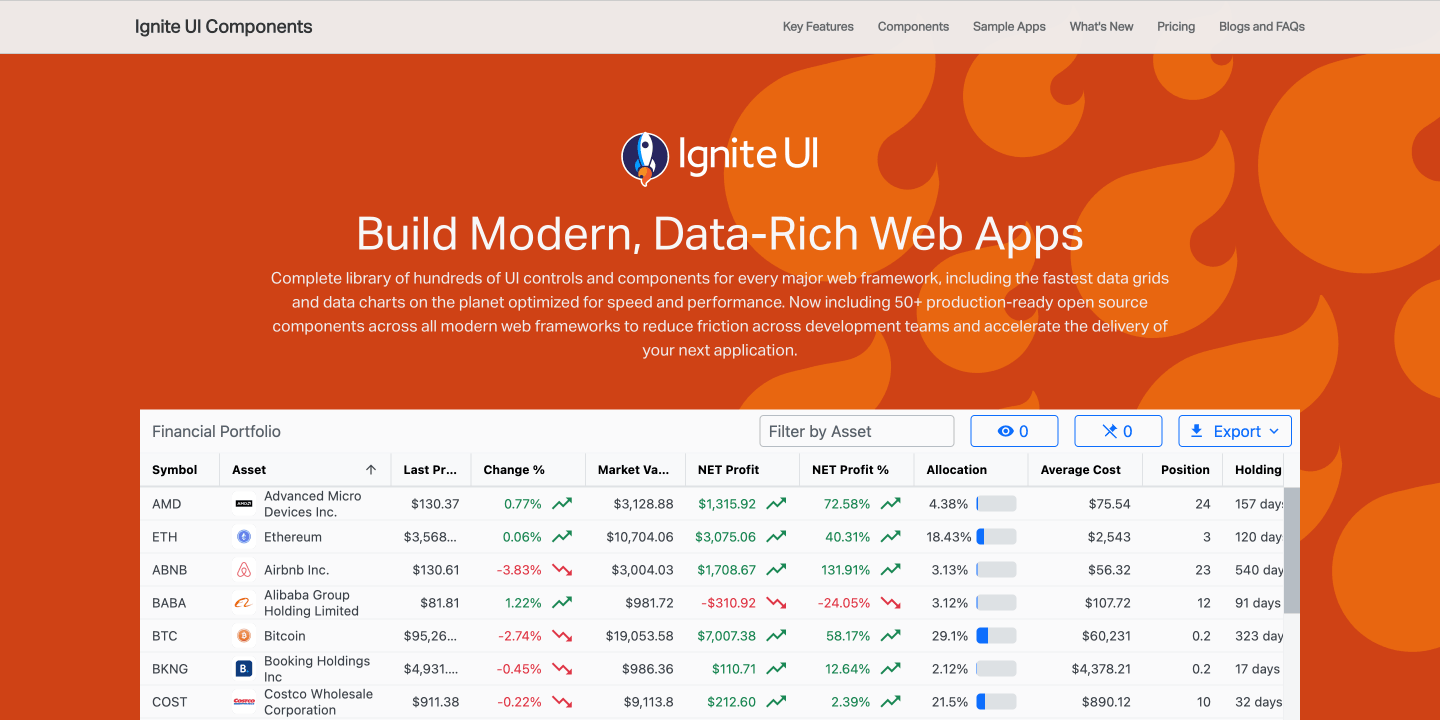
Ignite UI (Infragistics) – a collection of UI components with a strong emphasis on DataGrid, charts, and data-rich interfaces. It offers high-performance tables, advanced data visualization, and tools for building BI dashboards. The suite is designed for data-intensive desktop applications, includes heavyweight enterprise components, and comes with commercial support.
Best for: BI systems, analytical dashboards, corporate portals, CRM/ERP interfaces, and applications that handle large volumes of tabular data, where Grid performance and advanced data visualization are essential.
Pricing: Commercial subscription-based license. First-year pricing for an individual developer license (Ignite UI package with 100+ controls and components) starts at $1,399 per year.
Best JS Libraries by Availability of Complex UI Widgets
From a brief overview of the main features and content, we’ll move on to a functional comparison of the UI libraries. Below, you can find a table that visualizes which “heavy” UI components – such as Grid, Gantt, Scheduler, Pivot, and Spreadsheet – each library has. This will allow you to see which of them provide ready-made, complex widgets for enterprise and analytical applications, and which ones are limited to basic components or require third-party solutions. This approach will help you compare the out-of-the-box functionality of the products and select the right option for your enterprise-level project.
Enterprise Component Coverage: Grid, Gantt, Scheduler & More
|
Library |
DataGrid |
Scheduler |
Gantt |
Spreadsheet |
Charts |
Pivot |
| Sencha Ext JS | ||||||
|
Webix* |
||||||
|
DHTMLX** |
||||||
|
DevExtreme |
||||||
|
Kendo UI |
||||||
|
Syncfusion EJ2 |
||||||
|
Smart UI |
Spreadsheet-style extensions for Grid |
|||||
|
Wijmo |
||||||
|
Ignite UI |
*Webix DataGrid widget is sold separately as Webix Grid, but the library includes a DataTable component with the same functionality.
**DHTMLX Grid component can be purchased either as a standalone component or as part of the Suite package, which includes 22 UI widgets and components.
Key Takeaways
This table clearly illustrates that some libraries on our list offer a comprehensive set of complex widgets for enterprise: Webix, DHTMLX, Kendo UI, DevExtreme, Syncfusion EJ2. Other libraries support only part of the required scenarios: they may include Grid and сharts but lack a full Gantt or Spreadsheet component.
Understanding which heavy widgets a library includes will help you better calculate budgets for a specific project, which is especially important for business intelligence systems, ERP and CRM platforms, analytical dashboards, and project management and planning tools.
Best JavaScript UI Frameworks
It’s time to move on to assessing the architectural coverage of the libraries. There is one more important thing we need to figure out – the difference between a collection of standalone enterprise components, a UI framework, and a component toolkit. Without understanding these architectural differences, our comparison will be incomplete.
This is really important for architects and CTOs, because choosing between a UI framework and a component toolkit is a fundamental and strategic decision: whether you need a library that becomes the core of the entire UI of the project, or a set of standalone components that integrate into the existing architecture.
Below is a comparison of each library’s ability to function as a full UI framework (layout, forms, navigation, state management) or, alternatively, to serve mainly as a set of advanced standalone widgets. We’ll be moving from full-fledged frameworks and framework-like solutions to sets of standalone components.
UI Coverage Depth and Architectural Role of Each JS Library
|
Library |
UI as Framework (layout, forms, full kit) |
Architectural Scope and Positioning |
|
Sencha Ext JS |
Full-fledged UI framework |
A classic enterprise framework with its own MVC/MVVM architecture, data layer, routing, layout engine, and a complete UI ecosystem. |
|
Webix |
Close to a UI framework |
Provides a full UI core, a powerful layout system, and a wide set of complex widgets (Grid, Gantt, Pivot, Scheduler), plus the Jet micro-framework for app structure. |
|
DHTMLX |
UI component suite |
A strong set of heavy-duty widgets (Gantt, Scheduler, Grid), but without a full application framework or architectural layer. |
|
DevExtreme (DevExpress) |
UI component suite |
A rich enterprise component suite with strong emphasis on data-heavy widgets and analytics. |
|
Kendo UI |
UI component suite |
A comprehensive component stack for business interfaces, designed for SPA development across Angular, React, Vue, and jQuery. |
|
Syncfusion EJ2 |
UI component suite |
A large suite of 100+ enterprise components covering nearly all UI and data-visualization needs. |
|
Smart UI |
UI component suite |
A collection of UI widgets and Web Components suitable for admin panels and business UIs, without its own architectural framework. |
|
Wijmo |
UI component toolkit |
A lightweight enterprise toolkit focused on high-performance Grid and Charts, used as flexible building blocks rather than a UI framework. |
|
Ignite UI (Infragistics) |
UI component suite |
A broad set of enterprise-grade components optimized for BI dashboards, analytics, and data-rich applications. |
Key Takeaways
When you compare these libraries closely, you start to notice that they don’t all try to solve the same problem. Some of them are built to act as a full UI foundation, while others are meant to be used mainly as strong, standalone components.
Sencha Ext JS, Webix, and Syncfusion EJ2 fall into the first group. They offer far more than a set of widgets: layout systems, navigation elements, form handling, and other pieces that usually appear in large enterprise applications. Because of this, they can end up shaping the overall structure of a front-end project.
Libraries such as Wijmo, DHTMLX, DevExtreme, and Ignite UI take a different role. They are usually brought in as component toolkits. Their strength is in advanced widgets – grids, charts, schedulers, and similar elements – but they don’t define how the rest of the interface is organized. Teams typically plug them into an existing framework.
This distinction becomes important when choosing tools for an enterprise-level application. A framework-like library gives you a unified UI architecture, while a component-focused toolkit lets you keep your current framework and add specialized widgets wherever they’re needed.
Functional Coverage & Ecosystem Comparison of Enterprise JS UI Libraries
When you look at enterprise-grade JavaScript UI libraries, it helps to consider not only their architecture but also how much ground they cover functionally. Real business applications tend to rely on far more than simple buttons or inputs. They often need heavier, data-oriented components – things like advanced grids, scheduling tools, pivot tables, or even Gantt charts. Re-creating these pieces on your own can quickly turn into a long and expensive effort, both during development and later when the code needs to be maintained.
Another aspect that often gets overlooked is the ecosystem around the library. Good documentation, reliable tooling, and smooth integration with modern frameworks all shape how comfortable the library is to work with. Over time, these factors influence how productive the team can be and how stable the project remains as it grows.
The comparison below evaluates each library across several dimensions:
- number of UI components according to official documentation
- availability of heavyweight enterprise widgets (Grid, Gantt, Scheduler, Pivot, Spreadsheet)
- official support for React, Vue, and Angular
- documentation depth and developer tools (playgrounds, designers, theming tools)
- overall product maturity and ecosystem development
Enterprise JS UI Libraries: Functional Coverage and Ecosystem
|
Product |
Approx. UI Components |
Heavy Widgets (Gantt / Pivot / Scheduler / Spreadsheet) |
React / Vue / Angular |
Documentation Depth |
Ecosystem Maturity |
|
Sencha Ext JS |
140+ |
Partial (no native Gantt) |
Yes |
Extensive + tooling (Themer, Architect) |
Mature enterprise framework |
|
Webix |
114+ |
Yes (15 complex widgets including: Gantt, Pivot, Scheduler, Spreadsheet) |
Yes |
Extensive + Snippet + UI Designer |
Mature & actively maintained |
|
DHTMLX |
20+ Core UI widgets in Suite |
Yes (13 standalone components including strong PM components: Gantt, Scheduler, etc.) |
Yes |
Extensive, integration-focused + Snippet tool & demos |
Mature enterprise toolset |
|
DevExtreme |
80+ |
Partial |
Yes |
Extensive |
Mature, strong .NET ecosystem |
|
Kendo UI |
130+ |
Partial (no native Gantt) |
Yes |
Extensive docs & enterprise support |
Mature enterprise suite |
|
Syncfusion EJ2 |
140+ |
Yes |
Yes |
Extensive documentation & demos |
Mature global ecosystem |
|
Smart UI |
70+ |
Limited |
Yes |
Moderate |
Stable commercial product |
|
Wijmo |
25+ |
Limited (no Gantt/Scheduler) |
Yes |
Good |
Stable, data-heavy focus |
|
Ignite UI |
120+ |
Partial |
Yes |
Extensive |
Mature enterprise-focused |
Key Takeaways
The comparison suggests that simply counting how many components a library offers doesn’t tell the whole story. What often matters more in real projects is whether the library includes the heavier, enterprise-level widgets and whether its ecosystem is mature enough to support long-term development.
Webix, Syncfusion EJ2, and Sencha Ext JS stand out in this regard. Their catalogs include complex elements such as Pivot, Scheduler, and Spreadsheet, which makes them practical choices for building demanding enterprise interfaces without constantly turning to external add-ons.
Kendo UI, DevExtreme, and Ignite UI also cover a wide range of components and integrate well with popular frameworks, though they tend to rely a bit more on ecosystem extensions for some of the more advanced widgets.
DHTMLX and Wijmo take a more focused approach. DHTMLX is widely recognized for its project-management modules like Gantt and Scheduler, while Wijmo is geared toward high-performance data grids and other data-heavy UI scenarios.
Best JavaScript UI Libraries by Licensing and Pricing
From assessing the content and architectural features of the most popular JavaScript UI libraries, let’s move on to the question: how much does it cost?
In this section we’ll look at how each library approaches pricing and licensing so you can quickly understand the trade-offs. This is what we are going to do:
- Compare subscription and perpetual licensing models at a glance
- See how pricing scales as your team grows
- Identify which libraries become costly at enterprise size
- Understand where licensing is modular and where it’s bundled into full suites
*The prices are provided approximately, based on public price lists and standard packages (excluding promotions and individual discounts).
The table shows how vendors calculate their pricing, typical entry prices, and also compare licensing models – subscription or perpetual.
Licensing Model and Typical Entry Pricing
|
Library |
Perpetual license |
Subscription |
Pricing metric |
Typical price per developer |
Team pricing example |
|
Sencha Ext JS |
Per developer |
~$1,499+ per developer / year |
~$7,500 (Ext Js Pro, 5 devs) |
||
|
Webix UI |
Per team (package-based) |
~$848 (covers up to 2 devs) |
~$2,499 (Company Pack, 1 project, up to 5 devs) ~$3,999+ (DevTeam, multiple projects, 5 devs) |
||
|
DHTMLX Suite |
Per license (1, up to 5,, or unlimited devs) without complex components |
~$799 per developer |
~$1,399 (Commercial, 5 devs) ~$3,499 (Enterprise up to 20 devs) |
||
|
DevExtreme (DevExpress) |
Per developer |
~$899+ per developer / year |
~$4,500+ ( DevExtreme Complete, 5 devs) |
||
|
Kendo UI |
Per developer |
~$899–$1,149 per developer / year |
~$4,495–$5,745 (Kendo UI, 5 devs) |
||
|
Syncfusion EJ2 |
Per developer (subscription) |
Quote-based |
Quote-based |
||
|
Smart UI |
Per developer / team plans |
~$299–$499 per developer |
~$1,199–$1,499 (Team License, 5 devs) |
||
|
Wijmo (MESCIUS) |
Per developer + hostname deployment |
~$799 per developer |
~$3,995 (Wijmo Enterprise, 5 devs) |
||
|
Ignite UI (Infragistics) |
Per developer |
~$1,399 per developer / year |
~$6,995+ (Ignite UI, 5 devs) |
Key Takeaways
The table shows that most enterprise UI libraries rely on per-developer pricing, which scales directly with team size. An alternative model such as team-based licensing can make the total cost behave very differently as projects grow. Let’s look at how the pricing model of Enterprise JS UI Libraries scales and how it impacts long-term costs, using our table as a reference:
- Per developer: Kendo UI, DevExtreme, Ignite UI, Sencha Ext JS. Сost grows with team size; it can become expensive as teams expand.
- Per team / package: Webix UI, Smart UI, DHTMLX. Fixed price for a defined team size and projects where a UI library is used. The price also depends on the component and bundle type; more predictable cost for growing teams.
- Per developer + deployment licensing: Wijmo. Developer license plus deployment registration; the total cost depends on the number of production hostnames required.
As we can see, an affordable price per developer per year can turn out to be a significant investment when planning long-term commercial projects. It’s important to consider the licensing model and hidden fees (for project deployment or working with individual complex widgets). Let’s take this a step further and look at how the cost of development will change over three years if you have a team of 5 or 10 developers.
We added a three-year Total Cost of Ownership (TCO) table for the UI libraries to show the real long-term cost differences. This gives a clear view of how expenses accumulate over time, which is especially important for libraries sold through annual subscriptions or perpetual licenses with paid support. Evaluating costs over a longer period helps plan the project budget more accurately and understand how licensing expenses scale with team size and duration of a project – a critical factor when choosing a UI library, particularly for enterprise applications.
Comparison Notes:
- Prices are taken from the libraries’ official websites at the time of publication.
- While licensing names differ (perpetual, subscription, maintenance), most follow the same principle: you buy an initial license with one year of updates and support, and ongoing updates require subscription renewal. Here, we assume the team will receive updates and technical support for all three years.
- For a fair comparison, we chose plans covering only the core JavaScript UI components, excluding broader developer toolkits.
- Licenses limited to a single project or unlimited plans were not included.
- For per-developer pricing, the total cost was calculated for 5- and 10-developer teams.
- Renewal discounts for perpetual licenses and subscriptions are shown separately and are not included in the table calculations, as not all vendors disclose their discount terms.
Estimated Total Cost of Ownership (3-year period)
|
Library |
Small team (up to 5 dev) |
Large team (10 dev) |
License model |
Subscription renewal policy |
Notes |
|
Sencha Ext JS |
~$22,500 |
~$45,000 |
Per-developer subscription (Pro) |
Undisclosed |
High enterprise-level pricing. Multi-year discounts available (no specific numbers provided). |
|
Webix UI |
~$7,500 |
~$19,500 |
Team, perpetual (DevTeam) |
~30% |
DevTeam license provides access to Webix UI and 15 heavy components and includes unlimited projects and 5 developers; additional seats can be added. Perpetual license includes one year of updates and support |
|
DHTMLX Suite |
~$4,200 |
~$10,500 |
Per-developer perpetual (Enterprise) |
~30% |
Enterprise license includes up to 20 developers and up to 5 projects. Perpetual license includes one year of updates and support. |
|
DevExtreme |
~$13,500 |
~$27,000 |
Annual subscription (DevExtremeComplete) |
Up to 50% |
Multi-developer discounts up to 15% |
|
Kendo UI |
~$13,500 |
~$27,000 |
Annual per-developer subscription (Kendo UI) |
~8% |
Perpetual license available with renewals at ~50%. |
|
Syncfusion EJ2 |
Quote‑based |
Quote‑based |
Annual subscription |
Undisclosed |
Pricing provided on request. |
|
Smart UI |
~$3,600 |
~$6,000 |
Subscription (Team License & Enterprise License) |
– |
The Team plan includes licensing for 5 devs, while the Enterprise – for unlimited devs. Subscription or perpetual. |
|
Wijmo |
~$12,000 |
~$24,000+ |
Per-developer perpetual (Enterprise) |
– |
Production deployment additionally requires a Single Hostname Deployment license (~$499 per hostname). |
|
Ignite UI (Infragistics) |
~$21,000 |
~$42,000 |
Subscription (Ignite UI) |
Up to 15% |
Priority support: +$300/year |
Key Takeaways
- Perpetual licenses tend to pay off over time. Libraries such as Webix, Wijmo, and Smart UI often end up more affordable across a three-year horizon, especially for growing teams, because the initial purchase is followed only by optional support and update renewals.
- Subscription models can raise long-term costs quickly. Annual-renewal products like Kendo UI, Ignite UI, and DevExtreme require paying the full license price every year, which can double or even triple the total cost of ownership for larger teams over a three-year period.
- Team size and package selection matter a lot. For many vendors, moving from five to ten developers can nearly double the budget, as seen with DevExtreme, Kendo UI, and Sencha Ext JS. Choosing higher-tier bundles or adding advanced components can increase costs even further.
- Long-term planning is essential for enterprise projects.
Looking at multi-year costs helps organizations anticipate budget needs, compare licensing models realistically, and avoid unexpected expenses as projects evolve and teams expand.
Final Thoughts: Selecting an Enterprise‑Grade JS UI Library in 2026
To sum it all up, we’ve prepared a list of crucial factors to consider when choosing a library for your project. They are followed by key recommendations designed to guide you toward the best decision.
Key Factors and Recommendations
Let’s start with the key points to focus on:
✅ The availability of complex widgets determines what the project can realistically build
Libraries like Webix, DHTMLX, Kendo UI, DevExtreme, and Syncfusion EJ2 offer the broadest coverage of advanced components, including DataGrid, Scheduler, Gantt, Spreadsheet, Charts, and Pivot. Smart UI delivers most of these heavy widgets but uses grid-based extensions instead of a native Spreadsheet. Wijmo and Ignite UI provide lighter toolkits that omit components such as Gantt and Scheduler. Sencha Ext JS includes a strong Grid, Charts, and Pivot, but lacks native Scheduler, Gantt, and Spreadsheet modules.
✅ UI Framework vs Component Toolkit: Consider the library’s architectural role
When choosing a UI library, it’s important to understand whether it will serve as the primary interface platform (a full UI framework) or simply as a collection of standalone components (a component library or toolkit). For large corporate projects, consider using JavaScript UI frameworks or framework-like solutions such as Sencha Ext JS or Webix. Other solutions fit better for integration into existing SPAs or for use in isolated modules.
✅ Ecosystem, Tooling, and Developer Experience
Teams usually learn their way around a UI library faster when the basics are supported by good documentation and a few practical tools. Interactive playgrounds, small snippet generators, or visual builders all help developers try things out without digging through everything by hand. Sencha Ext JS goes pretty far in this direction: it includes visual designers and architectural helpers that fit well with large, structured applications. Webix takes a slightly different approach with its built-in playground and UI Designer, which make it easy to throw together interface ideas and see how they behave. Syncfusion EJ2 leans heavily on examples and demos, and there are a lot of them – enough to cover most situations you’d run into in real projects.
Libraries that position themselves mainly as component toolkits tend to keep their tooling lighter. They usually depend on whatever the surrounding framework provides – React, Vue, Angular – and on the external tools teams already use in their workflow.
✅ Licensing and Total Cost of Ownership (TCO)
Long-term costs depend heavily on license type and team size:
- Perpetual licenses (Webix, Wijmo, Smart UI) often result in lower long-term costs, as they require only renewal of support and updates after the first year. Subscription-based licenses (Kendo UI, Ignite UI, DevExtreme, and some others) require annual payments for updates and support, which can make total costs grow significantly over multiple years, especially for larger teams. Some libraries offer both options, with subscriptions typically costing more than perpetual licenses over time.
- Team size and package selection significantly affect budgets; doubling a team from 5 to 10 developers can nearly double TCO, especially for subscription-based solutions.
Making the Choice of Best JavaScript UI Library
In practice, the best choice depends on balancing three factors: architecture, component coverage, and pricing scalability.
So let’s wrap up by looking at the recommended libraries by use case:
- For large enterprise systems such as ERP, CRM, or analytics dashboards, Sencha Ext JS, Webix, and Syncfusion EJ2 tend to be the most reliable options. They behave more like full frameworks and already include many of the pieces these kinds of applications usually depend on.
- For modern SPA development or when you’re gradually adding UI elements to an existing product, Kendo UI, DevExtreme, and DHTMLX offer strong component sets and licensing models that can fit different project setups without much friction.
- For performance-focused or highly specific tasks, libraries like Wijmo, Smart UI, or DHTMLX often work better. Their strengths lie in fast grids, charts, and project-management widgets rather than broad, all-purpose coverage.
- For balancing cost and functionality, libraries such as Webix and DHTMLX can offer favorable long-term economics for small and mid-sized teams thanks to their perpetual licensing models. However, the overall cost still depends on the specific pricing structure and the number of components required.