September 27 is the most important day of the year for Webix community — as we have recently announced, it is the date of Webix 4.0 release.

September 27 is the most important day of the year for Webix community — as we have recently announced, it is the date of Webix 4.0 release.

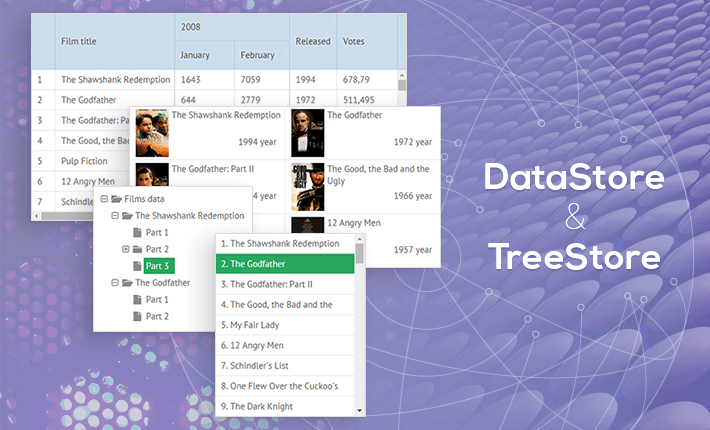
Hey all! Can you already smell the autumn in the air? Alas, the fruitful summer gradually comes to an end, and it’s time to receive a Bachelor’s degree in Webix 🙂 Today I suggest you to brush up your knowledge of data components by uncovering one of the base concepts – DataStore. In the article below you will learn what is hidden behind visual presentation and may pick useful snippets for working with data.
Hey guys!
We are so glad to present our new Webix 3.4 update today! Hope you are still fresh and rested after the weekend and ready to test something new, because definitely we have a bunch of features to show. Here we go!

Establishing communication between a client and a server can be rather a difficult task. While working with a single component it may cause little problem, but any reasonably big app becomes a mess of AJAX calls on the client side and pretty tangled code on the server side.
To make your life easier, Webix 3.4 provides a solution to call server-side code directly from JavaScript.
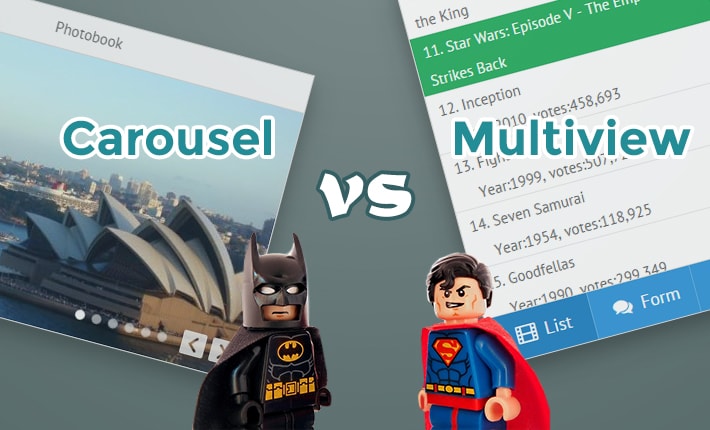
While football players are restricted by the field area (watching the championship, eh?), web developers compete with each other in an even smaller battlefield called viewport. And the one wins who manages to occupy every inch of it wisely.

Still, you can always add one more layer to your application and choose content you’d like to show first. No doubt, Webix is always at hand with ready-made solutions for multiple-view layouts:
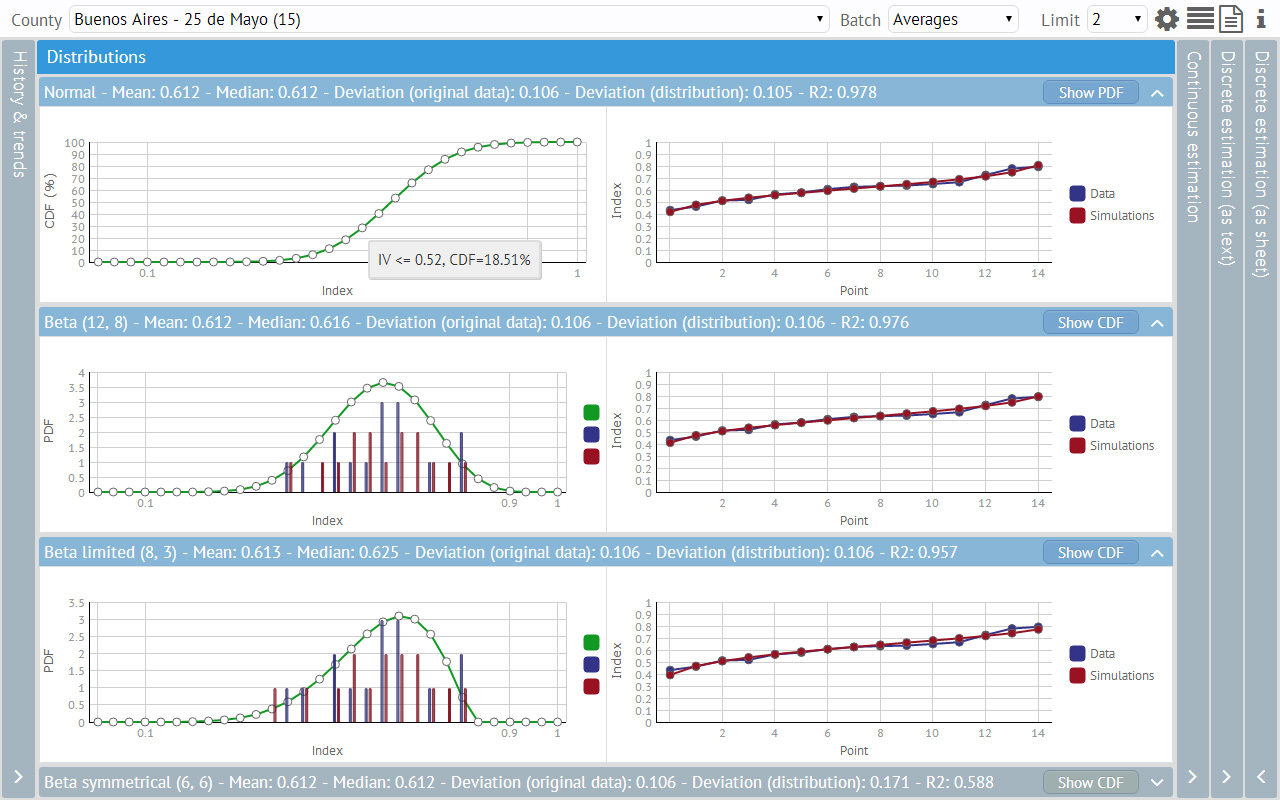
Today, in the middle of June, we would like to share with you a fresh and still hot showcase directly from sunny Argentina. It was kindly provided by Diego Ferruchelli.

“Curvas (Spanish for “curves”) is a tool for data analysis and business modeling intended to be used in such spheres as agricultural insurance and risk management. It was prepared as a part of my independent consulting services for a local company which was developing a new product in this field.
I was using Webix for another application, and I felt it was the natural way to go with this one, in which good user interaction and charting are key features.
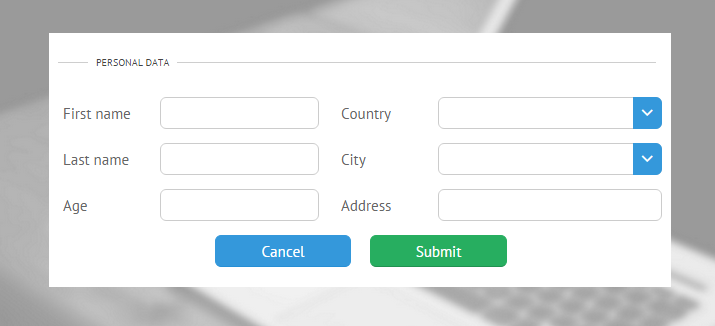
“Thanks God it’s Friday” – that’s what people say as they feel a great relief after a fruitful working week. I want to make this day even more happier and suggest the cure to a common developer problem – user inputs.
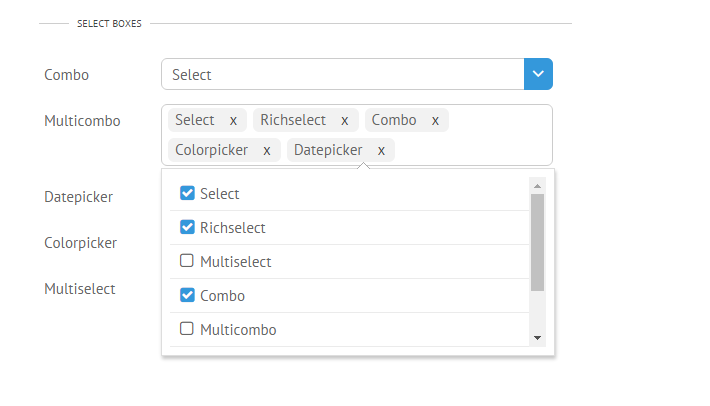
We all want to collect as much information from users as possible, while making this process predictable and controlled with respect to user freedom of choice. In this article we will try to squeeze through the variety of Webix combobox controls to solve this task.

As a teaser, I’m giving you the numbers: Webix offers 7 ready-made select widgets and 7 suggest lists for autocomplete options alongside with great possibilities to customize and mix them all to create an ultimate web combobox!
We continue to publish real showcases of customer applications built with Webix UI for enterprise and SaaS use cases. Today we’d like to share a new article from SFM BV about their product called XLReporting.
Hi everybody! I’m lucky to inform you that summertime is approaching rapidly and it’s high time to rejoice, indulge into various kinds of outdoor activities, twist and shout. Today I suggest you to combine all these things with web development. So, are you ready to play the Accordion? 😉

Still, I don’t want you to read musical notes. In HTML and Javascript accordion means a UI control that consists of panels that can be expanded and collapsed (just like the bellows of a musical accordion) to make the whole interface sound.
Webix accordion widget is one of the basic ui layout types. It seems to be very simple and non-configurable, but one needs to learn and practice to play the music. Here we gathered three common use cases and customization samples with the Accordion component:

Hey guys! The new FAQ article is ready. Last time we were talking about Webix licenses. The new topic is Webix Pivot.

To begin with, Pivot is a cool JavaScript widget that is perfect for making interactive table reports and pivot charts. You can easily embed it into your web page or new app. Pivot is based on Webix Tree Table JS, consequently your data will have a tree-like structure. Why Webix Pivot? Because it allows automatically organizing, summarizing and comparing complex data from database files. To get the whole idea, you may check out our online samples.
Hey guys!
Someone is waiting for May Day celebration, and someone is ready for our new Webix 3.3 release. So what have changed and what has been added since our last update? Webix 3.3, here we go!

We have added drag-n-drop support for scrollable widgets on touch screens – one of the top requested and long anticipated features. Now drag-n-drop starts on long-touch for touch screens.