Webix 11.4 Released Read More New Features in Core, Kanban & Rich Text Editor, plus a Powerful SpreadSheet Update

WEBIX BLOG

Webix 6.2 Release: Improved loading logic, tooltips everywhere and the new drag-n-drop mode

Webix has made yet another step to perfection. In version 6.2, you will find stylish tooltips for any part of the app and the update for server proxies that will help you load and save data more conveniently. Your users will have a visual export of charts to PDF and better drag-n-drop in data components. And we have other good news: Webix Jet 2.0 is out. You will find more goodies below.

Webix 6.2 Release: Improved loading logic, tooltips everywhere and the new drag-n-drop mode

How to Сreate Multi-line Inputs for Homogeneous User Data

Very often you have to design web apps that collect a lot of monotonous data from users, e.g., information about their previous employment, skills, working hours, preferences, etc. This is when you face the time-consuming necessity to write code for many repeated input fields and maintain value processing logic.

Surely, you can solve this issue by allowing users to write anything their heart desires in a textarea. But such an approach has nothing to do with a user-friendly interface. Besides, processing the collected information can become a real headache in this case.

A better solution is creating one dynamic control which you’ll be able to apply multiple times to your complicated forms. Sounds interesting? Read on to learn how to do it.

View code >>

Webix 6.0 and Icons: Painless Transition

It’s been about three weeks since our latest Webix release. We are very happy to have received so much feedback from our users. Among messages and comments there are questions concerning migration to Webix 6.0, and one of the popular issues is still the “Where have all the icons gone?” question. That is why I decided to deal with this issue individually and share the salvation guide.

Webix 6.0 and Icons: Painless Transition

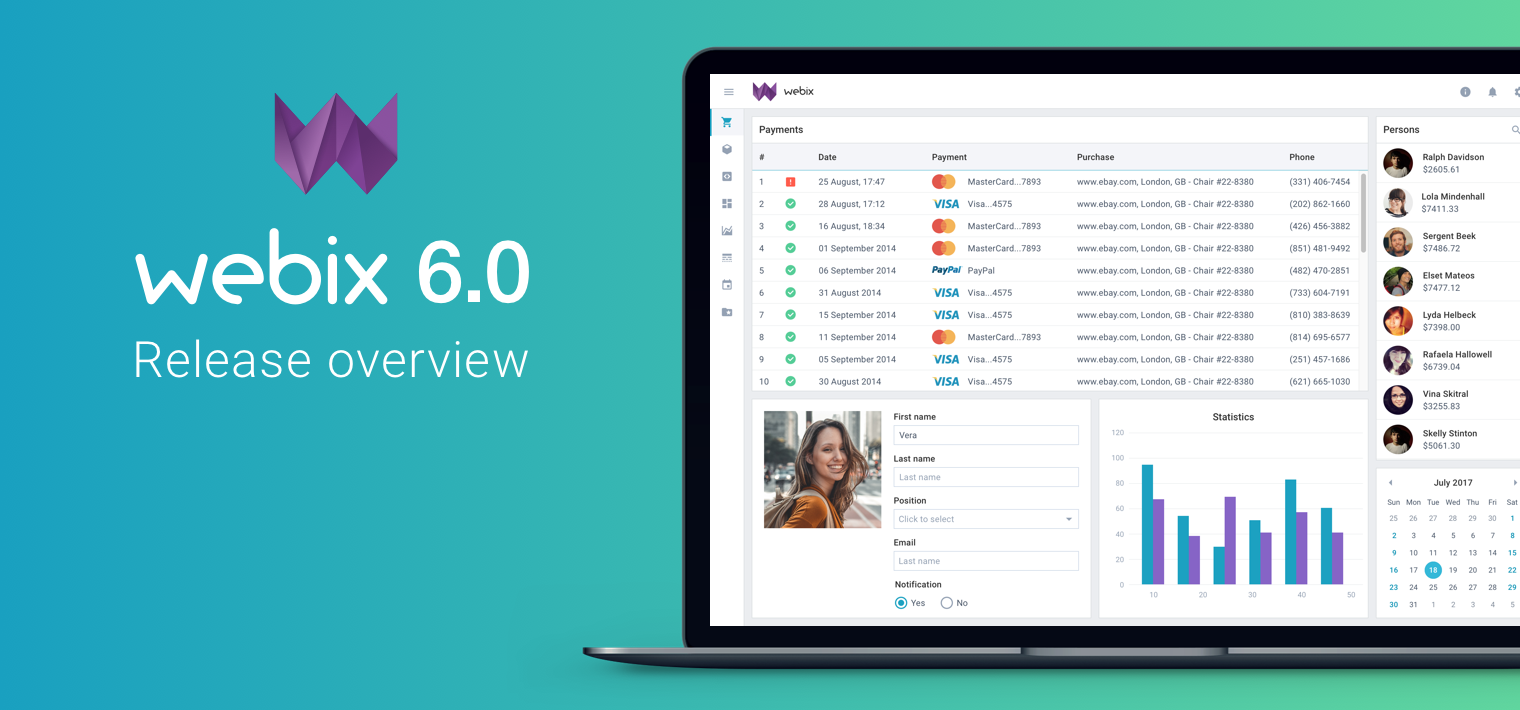
Major Webix Release 6.0 with New Skin and Custom Packages

The long-awaited day has come: Webix 6.0 is here. And it hasn’t arrived quietly, so fasten your seatbelts and prepare for most dramatic changes. Webix now has a new default material skin. You can build your own Webix pack only with the widgets you need.

Read on to find out what awesome updates await you and how to integrate them.

Major Webix Release 6.0 with New Skin and Custom Packages

Dashboards: Tips for Young and Aspiring App-Builders

Reading time: 3 minutes

Today, we share practical tips for building interactive dashboards with Webix. Whether you are a beginner or an aspiring app-builder, this guide shows how to create dynamic interfaces and turn simple widgets into sophisticated dashboards using Webix Jet.

I also have a demo for you, so grab the Student Dashboard Demo from Webix Hub.

Dashboards: Tips for Young (and Aspiring) App-Builders

Creating Apps with Live UI Editing using Webix AbsLayout

Reading time: 7 mins

If you want to create applications that let your users build interfaces themselves, read on and find out how you can achieve this with Webix. Building dynamic user interfaces can be partially achieved with Webix Dashboard. In some cases, like building forms, you can use Form Builder. This service uses AbsLayout as the area for UI building. I will show you how to equip AbsLayout with Drag-n-Drop and use it for rearranging, adding, and deleting UI components.

Creating Apps with Live UI Editing using Webix AbsLayout

Webix 5.4 with GraphQL support, updated SpreadSheet and FormBuilder

Even though the summer is in full swing, our team of developers has been working hard to bring you the new version of Webix. Webix 5.4 includes the new WJet utility that will help you start working with Webix Jet, GraphQL and Firestore support, updated SpreadSheet and Scatter chart widgets, and usability improvements for Form Builder and Snippet Tool. Check out the What’s new page for the full list of updates.

Cascading Comboboxes in Webix

Reading time: 3 mins

If you want to create powerful yet simple forms for complex input, join me. I will show you how to create cascading comboboxes, where the list of options of one combobox depends on the selection in the previous one. This way users can input complex hierarchical data in a convenient way.

Cascading Comboboxes in Webix

Meet Webix 5.3 with Updated Spreadsheet and Webix Jet 1.5

Spring work is going on with joyful enthusiasm, and the Webix team introduces updates for the UI library and for Webix Jet micro framework. Spreadsheet has been given a number of usability upgrades, and documentation is now supplied with links to live snippets. You can also choose any icon font for Webix skins, including Material design icons and Font Awesome 5. Read further to find out details about the release.

Webix 5.3 with Webix Jet 1.5

1 10 11 12 13 14 26