Webix 11.3 Released Read More Core enhancements, smarter Colorboard, and more powerful Rich Text Editor.

WEBIX BLOG

Webix 10.1: group calls and refined messaging interface for Chat, “Year” mode for Scheduler, task priorities for ToDo

We have some exciting news to share with you: the long-awaited release of Webix 10.1 is here! This version is packed with powerful enhancements and impressive updates to our complex widgets. In addition to the features mentioned in the title, we prepared the “zoom” feature for SpreadSheet, some advanced “Chart” mode settings for Pivot, and many more. Let’s take a look together at all the features that Webix 10.1 has to offer.

banner for 10.1 version with a title

Creating a Budget Tracker App with Webix UI

In the midst of a busy schedule, you might wonder where all your money went. Tracing all your expenses can be a bit tricky. Usually there are some expenses that you might forget when making a budget, such as irregular bills, special days like Christmas or any parties. It is a good practice to write down every purchase to see a bigger picture of your expenses. And here come the budget tracker apps. From regular groceries to irregular nights out, such apps make budgeting easy.

Today I am going to show you how to create a simple budget tracker app with Webix UI.

You can find the full source code and a live demo here.

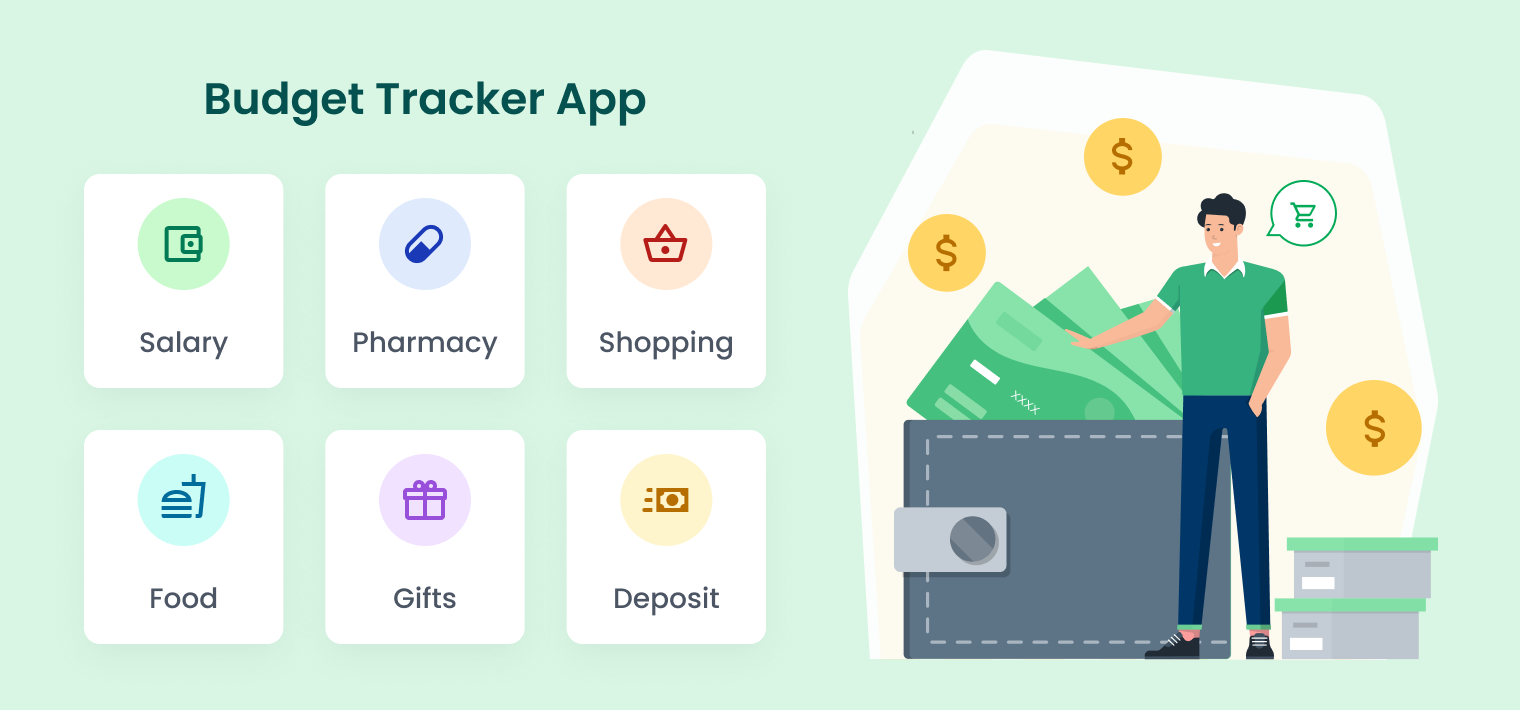
banner for the article

Webix 10.0: Desktop and ToDo widgets, new skins, baseline for Gantt

This year, Christmas came early for all Webix fans around the world. The Webix team is proud to present to you Webix 10.0. We put our all into work this summer and fall to give you the most breathtaking update of the year. The anniversary version of our library includes:

  • not one, but two new complex Widgets – Desktop and ToDo
  • two new skins
  • baselines for Gantt
  • and many more.

Read on if you want to know the details about all exciting features and updates.

Building a Weather App with Webix UI

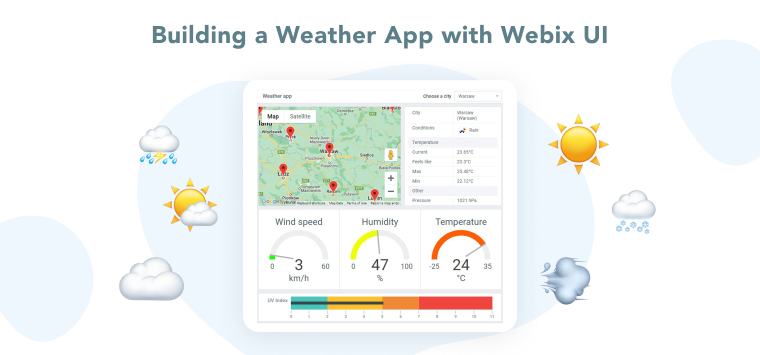
Sir Ranulph Fiennes, a British explorer and writer, once said: “There’s no such thing as bad weather, only inappropriate clothing.” You may, of course, check the window to see if you need to put on a raincoat. But this is a bit old-fashioned, isn’t it? Today there are a lot of modern weather apps. They allow you to decide quickly and easily whether to take an umbrella with you in the morning or not.

Today, I’ll show you how to create a weather app with Webix components. You will be able to gather details about the weather in your city in one place. With just a quick glance, you can spot the temperature, humidity, wind speed, and UV index. A closer look will reveal the meteorological conditions, daily temperature range, and air pressure.

This app provides an excellent opportunity to show you a couple of our PRO widgets. Webix Pro offers a variety of HTML5 web widgets that are not included in Webix Standard. They all have their own distinct features and enhanced functionality. Our weather app is also an example on how to integrate a Google map into an app. If you are interested to learn more about such an app, keep on reading.

You can find a live demo here.

Creating a Location Viewer App with Webix UI

Just a couple of years ago, it was hard to imagine that remote work could be the norm of everyday life. But today, it is a common thing. A lot of employees don’t want to spend precious time commuting during rush hour to their workplace in the center of a huge city.

There are much more pleasant things to do instead. You can spend this time reading a fascinating book, drinking a cup of coffee and petting your beloved cat. All of these things can be done while sitting on a balcony overlooking the sea. Do you think it is only a dream? No! It is the daily routine of many IT professionals and not only.

Based on such specifics of work, the company’s managers may have additional worries. It is about tracking the location of staff and synchronizing their work schedules. And in this article, I’m going to show you how to solve such difficulties using the Webix components and third-party solutions.

You can find the full source code and a live demo here.

Location Viewer App

Webix in Practice: web application development

Webix reactivates our practice of talking to customers. We are glad you are looking forward to sharing your experience with us. This time we are happy to talk to Bonard Tito Saragih (LinkedIn profile). Bonard works at Gnusa, a web application development company. The company deals with system architecture, cloud infrastructure, security, etc. We were pleased to find the Webix logo among the frameworks used in the company.

interview with Johan Smith

Webix in Practice: virtualization layer for the old hardware

The Webix team continues working on the library and its components. We are improving mostly due to the feedback of our customers. Today we talked to Ralf van Diesen (LinkedIn profile). He is the CEO of the Advanced Virtualization Technologies company. The company deals with the problem of old and obsolete hardware. They create a special virtual layer that allows existing software to run on the system without changing the hardware. The software designer of the company, Marie-France (LinkedIn profile), is also with us today. We are happy to know how Webix facilitates their job. 

interview with Johan Smith

30 Seconds to the App with Webix UI

Rockers from the “30 Seconds to Mars” band dreamed of reaching the “red planet” in 30 seconds. But, unfortunately, modern science has not yet achieved such heights. According to the famous astrophysicist Neil deGrasse Tyson, we need about 26 million seconds for this journey.

Do you know what we can do in 30 seconds right now? Let’s try to create a small app using the Webix UI library and check if it is possible. The main idea and information for this article were provided by our client, an interview with whom you can read in our blog.

30 Seconds to the App with Webix UI

1 2 3 4 5 6 26